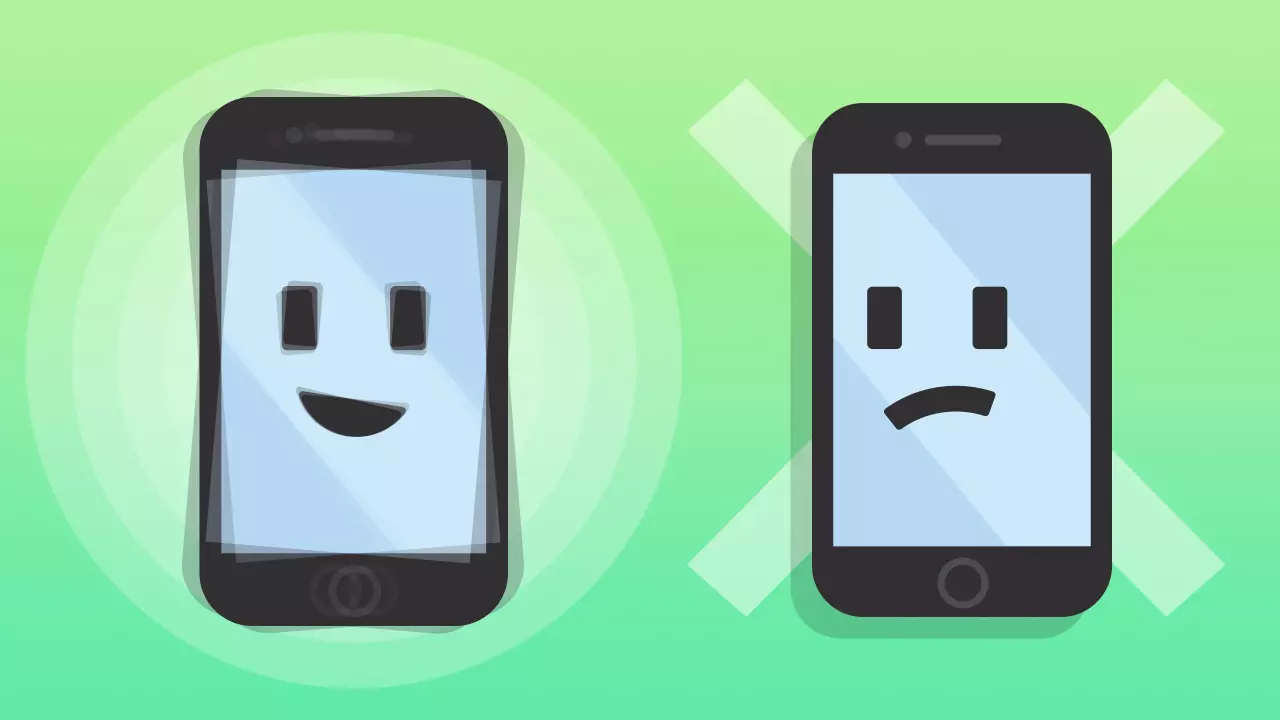
The vibration feature for iPhone allows your phone to vibrate when you receive a notification like a message, phone call, or email. You can change the intensity and pattern of this vibration, or turn it off completely if you wish.
Here are some benefits of using your iPhone’s vibration feature:
- It can be a good method to be secretly notified of incoming notifications.
- It can be beneficial for hearing-impaired individuals or people working in noisy environments.
- It is one of the ways to personalize your iPhone experience.
Some disadvantages caused by using vibration on your iPhone are:
- Receiving many notifications can be annoying or distracting.
- It can consume your iPhone’s battery life faster.
- It might be difficult to feel the vibration when your phone is in your pocket or bag.
Using vibration on iPhone is entirely a personal preference. You can keep it on as long as you find it useful, and turn it off when you find it annoying or distracting.
Why Doesn’t iPhone Vibration Work?
There are many advantages to using vibration on an iPhone. However, iPhones can encounter certain issues after years of use. This includes problems like the vibration feature not working. Additionally, the vibration feature may fail due to software or hardware issues. Below you can see what might cause this:
- Low Battery: When your iPhone’s battery is low, the vibration feature may be disabled. Therefore, check your battery level and charge if necessary.
- Vibration Settings: You should go to the “Sounds & Haptics” option in your iPhone’s Settings menu and check the vibration settings there. You may have accidentally turned off vibration or lowered the vibration intensity.
- Malfunction: There may be a general malfunction with your iPhone. In this case, you can contact Apple Support and get help from expert technicians.
- Hardware Issues: There may be a problem with the iPhone’s vibration motor. In this case, you may need to take your device to Apple Support.
How to Fix iPhone Vibration?
If your iPhone’s vibration feature is not working, you can try the following steps to solve the problem:
- Make sure the vibration feature is enabled in your iPhone’s Settings. To do this, check that both Settings > Sounds & Haptics > Vibrate on Ring and Vibrate on Silent options are turned on.
- Sometimes a minor software issue can cause vibration not to work. You can solve the problem by restarting your iPhone. To do this, press and hold the power button and the home button at the same time and wait until the Apple logo appears.
- Are you sure your iPhone is running the latest iOS version? If there is a new version available, you should perform the update by going to Settings > General > Software Update.
- If vibration still doesn’t work after trying the steps above, you can reset all settings on your iPhone. This process does not delete your data but resets all your settings, including your vibration settings. To reset settings, you can follow the path Settings > General > Reset > Reset All Settings.
- If vibration still does not work after trying the above steps, there may be a hardware problem with your iPhone’s vibration motor. In this case, if your warranty period is still active, you can direct your iPhone to the nearest Apple support team.
Any of the above steps may resolve the vibration issue on your iPhone. However, if the problem persists, we recommend getting technical support.
My iPhone Doesn’t Vibrate When Ringing, How Can I Fix This?
If your iPhone does not vibrate when a call comes in, several things could be causing this.
First, apply the methods mentioned in the section above to fix the vibration issue. If vibration still doesn’t work, your iPhone might be in Do Not Disturb (Focus) mode. To check this, go to Settings > Do Not Disturb (Focus) and ensure the “Silent” option is “Off“.
Test Your iPhone’s Vibration Feature
You can check how well this feature is working by testing your iPhone’s vibration. There is an application developed for this: Vibration analysis.
This application allows you to test the vibration feature on both iPhone and iPad. If you notice that your iPhone’s vibration works with the application, the vibration is likely not working because you configured a setting incorrectly.