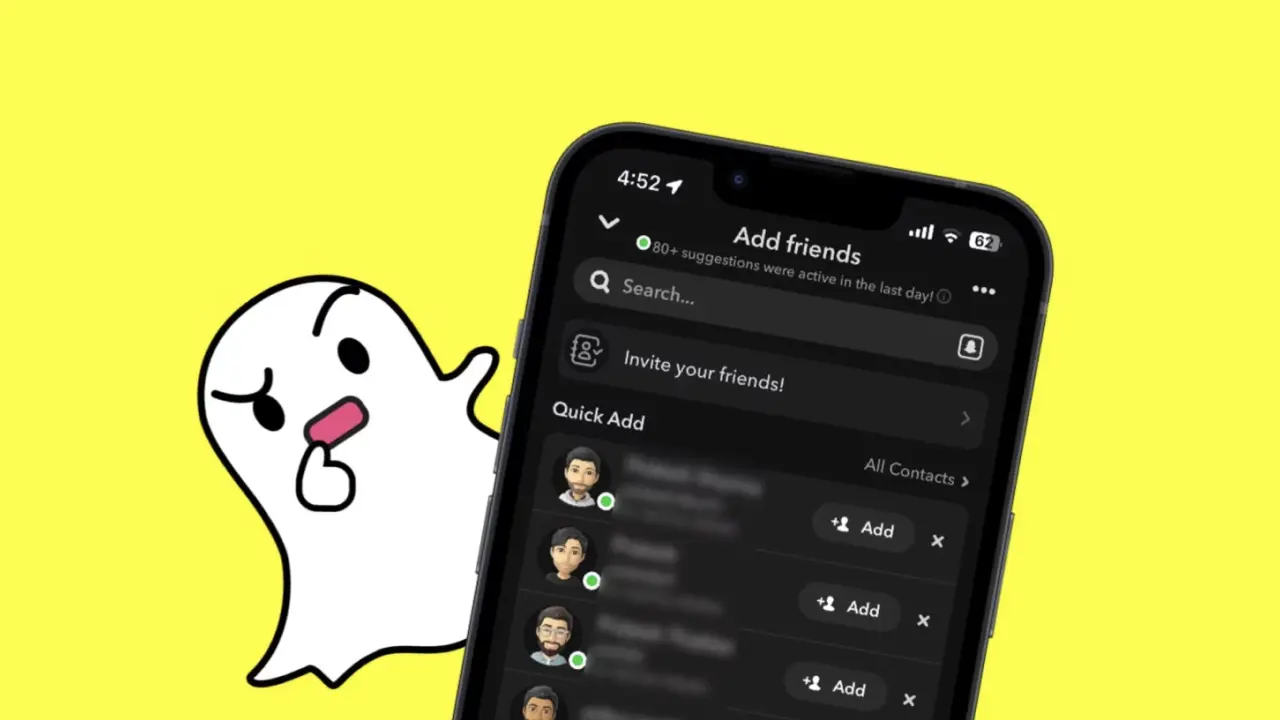
Snapchat is a popular social media platform where users can share instant photos and messages with friends. However, controlling message requests, especially from people who are not your friends, is a frequent topic of curiosity among users. So, is it possible to view message requests coming from non-friends on Snapchat? Here is a step-by-step guide:
How to Find Snapchat Message Requests?
To check message requests from people you are not friends with on Snapchat, you first need to open the app and tap on the profile icon in the top left corner. Then, by clicking on the gear icon located in the top right corner, you can access account settings.
Here, you need to go to the “Privacy Controls” section and find the “Contact Me” option. When you change this setting to “Friends and Contacts”, you allow people in your contacts list to send you messages. However, to actually see these people’s messages, you primarily need to accept their friend requests.
Viewing Limitations and Reading Without Notifying
Snapchat offers a limited feature regarding directly viewing message requests from non-friends. If a person is not in your friend list or contact list, you must accept their friend request to see their messages. After the acceptance process, you can view their messages by going to the chat section.
If you want to read messages without sending a read receipt, you can swipe right (hold and drag slightly) to view the message and then swipe left to close it without triggering the “read” notification. This method ensures that the messages remain marked as unread.
This limitation by Snapchat ensures that users have a more controlled experience when communicating with people they are not friends with. While this feature makes controlling message requests slightly more complex, Snapchat users can manage incoming messages more effectively by adjusting their privacy settings and managing friend requests.